
How to visualize a purchase funnel in Google Analytics 4 reports
Description of visualizing a purchase funnel in Google Analytics 4: steps to access and analyze the purchase journey in Reports.
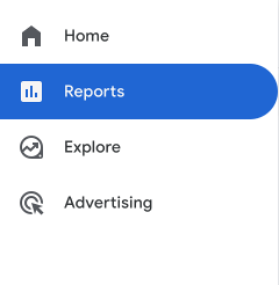
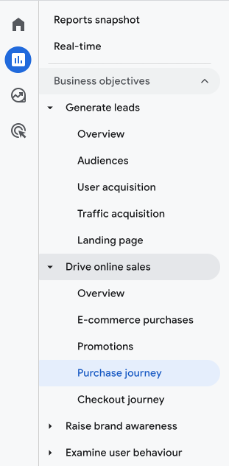
Google Analytics allows you to visualize a product conversion funnel on a website. This funnel can be found in the "Purchase Journey" section within Reports, as shown in the images.
The issue arises when the events are not the same ones used by Google Analytics to track the purchase steps, as this results in the data being zero, as seen in the next image.
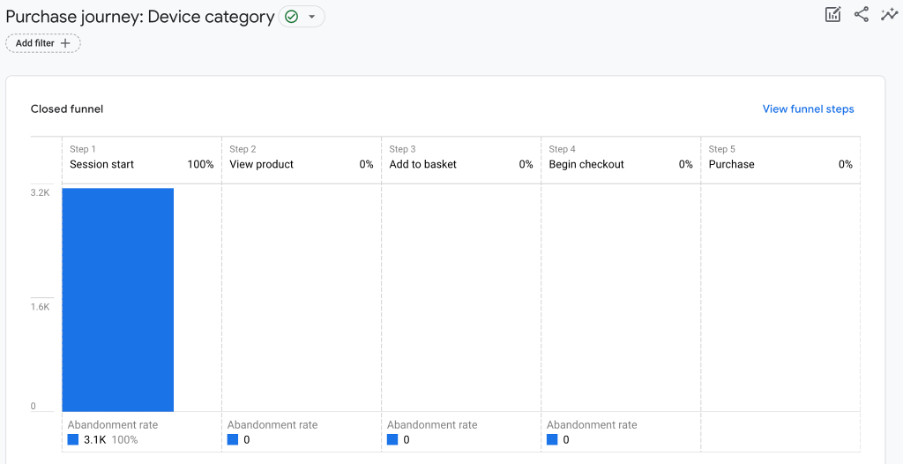
However, with some creativity, we can quickly resolve this issue by creating our own funnel. To do this, we need to go to Explore and preferably use a new exploration (Blank).
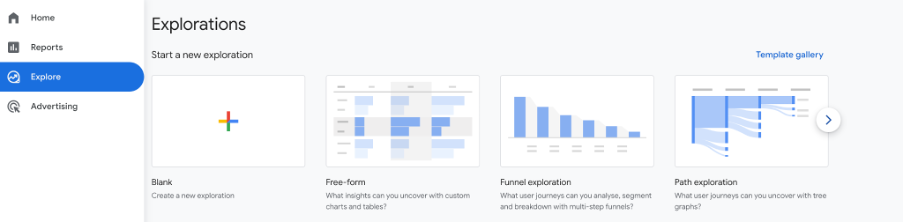
Once there, we select the Funnel exploration.
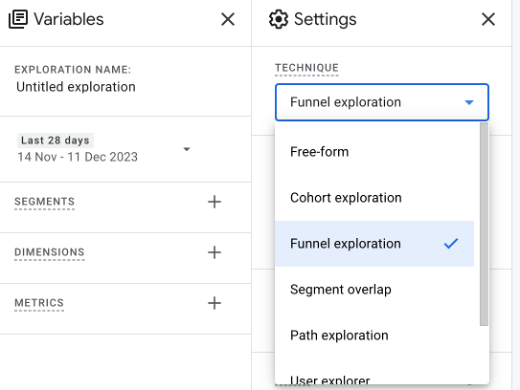
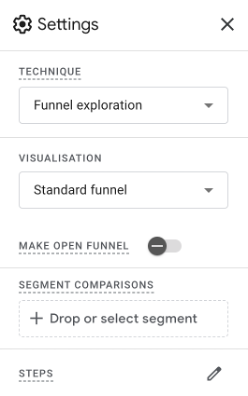
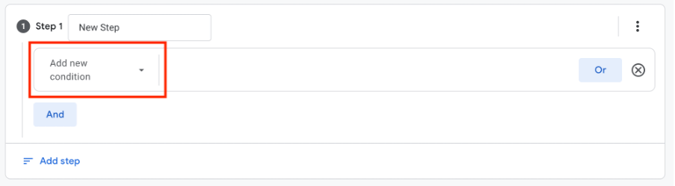
Now, we can create the funnel with the steps and their corresponding events. To do this, we go to "Add new condition" and search for the event we're interested in.
For example, for the first step, we can use the Session Start event.
And so, we can continue adding each step.
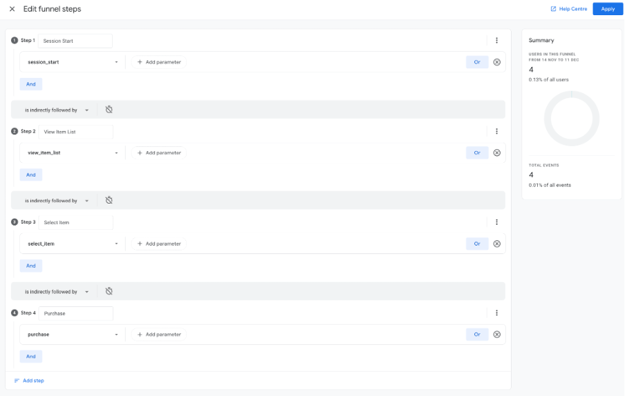
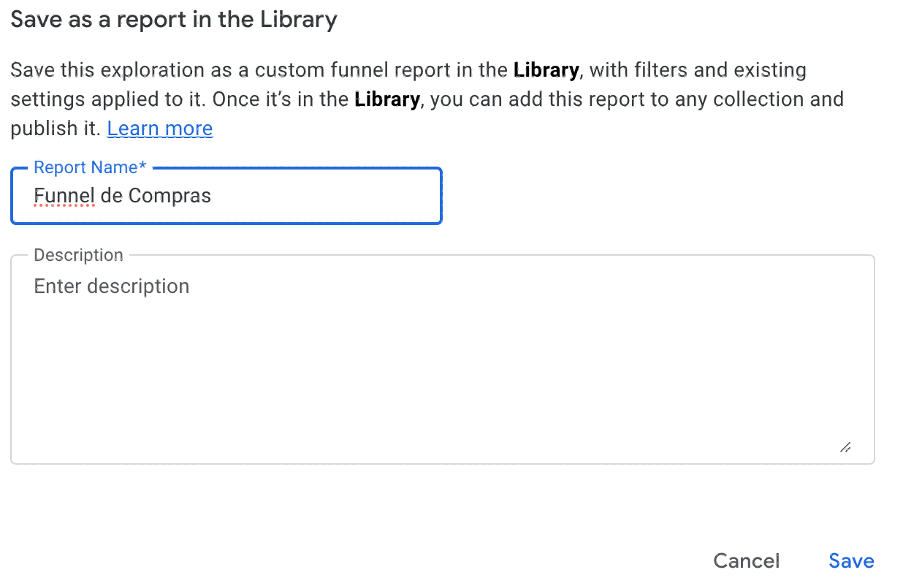
Once all the steps with their respective events are added, we need to save the funnel in the Library by selecting the following item, then typing the desired name (e.g., Purchase Funnel) and saving it (Save).

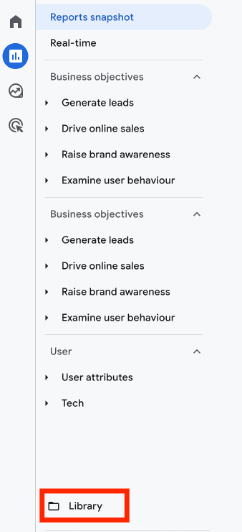
Once the funnel is created, we go back to the Reports section and select Library.
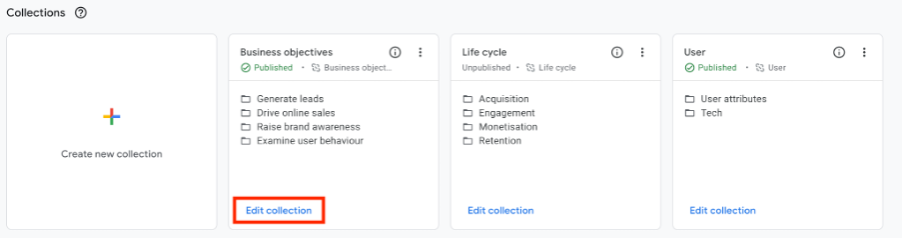
In Library, we select Edit collection in the collection where we want to add the funnel.
Here, we can see the visualizations currently being used. We can delete the "Purchase journey" visualization and add the one we just created by dragging it to the left panel.
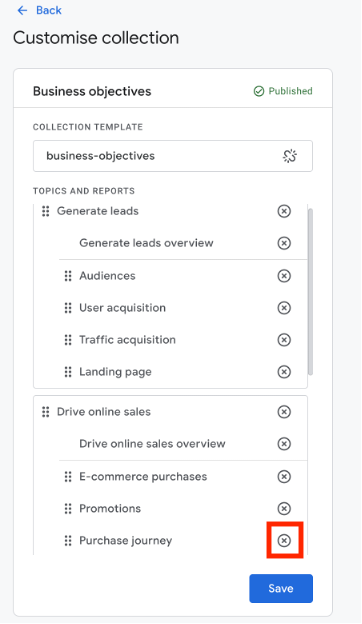
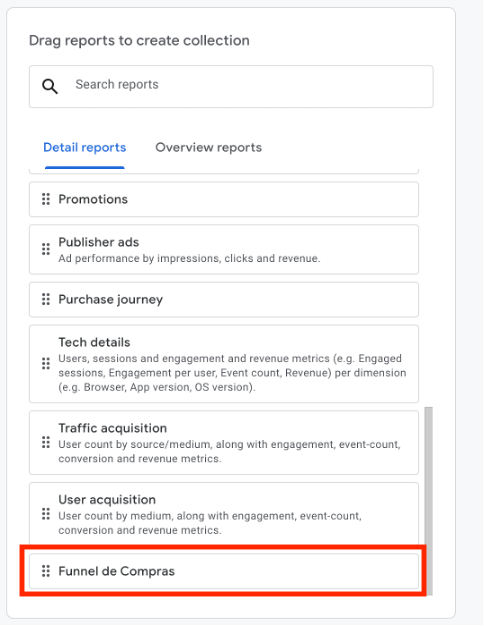
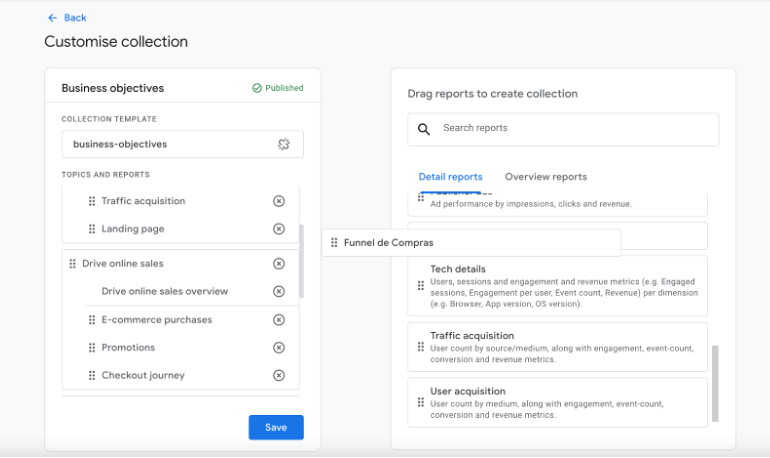
Once added, we simply save the collection, and our report will be updated.
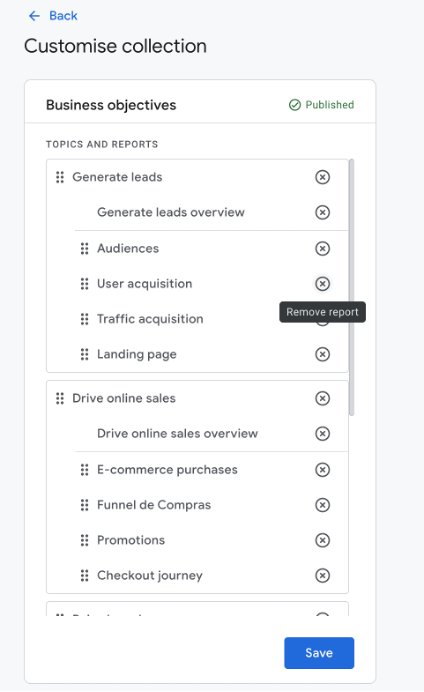
And that's it! We now have our funnel created and saved in the Reports section permanently.
Actualizado el